
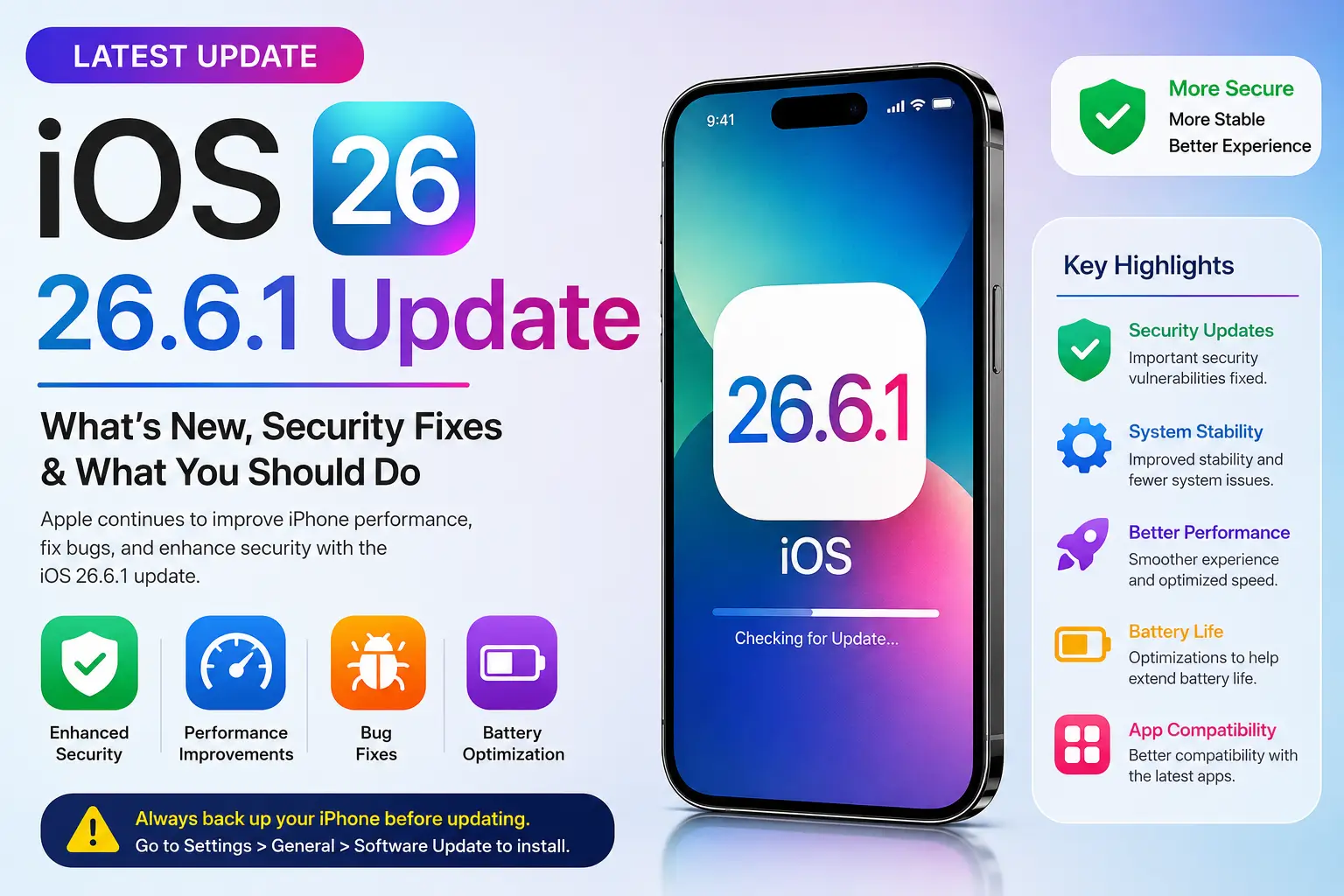
iOS 26.6.1 Update: What We Know So Far and What iPhone Users Should Do
If you have recently opened Settings → General → Software Update and searched for the latest iPhone software, you may have seen people talking about iOS 26.6.1.
The important thing is to separate confirmed information from online speculation. Apple officially released iOS 26.6 on July 27, 2026, with a significant number of security fixes.
So what does this mean for iPhone users? And should you wait for iOS 26.6.1?
Let’s break it down in simple language.
⚡ Quick Answer
iOS 26.6 is officially confirmed by Apple.
At the time of writing, I would not describe iOS 26.6.1 as an officially released Apple update unless Apple has published the corresponding release information.
If your iPhone is offering an update through the normal
Settings → General → Software Update screen, use that official update mechanism rather than downloading software from third-party websites.
What Changed in iOS 26.6?
iOS 26.6 is not simply about adding flashy new features. A major part of the update focuses on security and system stability.
Apple’s security documentation lists fixes affecting several parts of the operating system, including the Kernel, WebKit, Siri, Wi-Fi, ImageIO and other system components.
The goal is to close security weaknesses before they can become a bigger problem.
Is iOS 26.6.1 Available?
Be careful with unofficial claims.
If you see a website, video or social-media post claiming that “iOS 26.6.1 is available for download,” don’t assume it is genuine.
Apple’s official documentation should be your first place to verify an iOS release.
A minor update such as 26.6.1 could be released in the future if Apple needs to address additional bugs or security issues. However, release information should come from Apple before it is presented as confirmed news.
Why Minor iOS Updates Can Be Important
Many people only pay attention when Apple introduces a completely new feature. But some of the most important updates are the ones you barely notice.
Think of an iOS security update like repairing a lock on your front door. You may never know someone was trying to find a weakness in it — but fixing the weakness still matters.
Should You Install iOS 26.6?
If your compatible iPhone is being offered iOS 26.6 through Apple’s normal Software Update system, keeping your device updated is generally the sensible approach.
Before starting the update:
- Back up your important data. Make sure your important photos and information are protected.
- Connect to reliable Wi-Fi. Avoid starting a large software update on an unstable connection.
- Charge your iPhone. Having enough battery power helps avoid interruptions.
- Use Apple’s Software Update screen. Go to Settings → General → Software Update.
iOS 26.6 vs iOS 26.6.1
| Version | Status | What We Know |
|---|---|---|
| iOS 26.6 | ✅ Confirmed | Security and system improvements |
| iOS 26.6.1 | ⚠️ Not confirmed here | Wait for official Apple information |
Don’t Download an iOS Update From a Random Website
This is one of the most important points in this article.
You should not need a random website to install a normal iOS update.
🚨 Red flags to watch for:
- “Download iOS 26.6.1 APK”
- “Install iOS 26.6.1 profile now”
- Unknown configuration profiles
- Websites asking for your Apple ID password
- Unknown apps claiming to install iOS
- Pop-ups saying your iPhone is infected
If something looks suspicious, close the page and check Apple’s official software-update information instead.
What Should iPhone Users Do Now?
There is no reason to panic over the iOS 26.6.1 rumours.
Instead, use a simple approach:
- Keep your iPhone updated.
- Check the Software Update screen regularly.
- Use official Apple update channels.
- Keep a recent backup of important data.
- Don’t install unknown configuration profiles.
Frequently Asked Questions
Is iOS 26.6.1 officially released?
At the time of writing, iOS 26.6 is the confirmed release discussed in Apple’s official documentation. Verify any later 26.6.1 announcement directly with Apple.
Is iOS 26.6 a security update?
Yes. Apple’s iOS 26.6 security documentation lists numerous security fixes affecting different system components.
How do I check for an iOS update?
On your iPhone, open Settings → General → Software Update.
Should I download iOS updates from third-party websites?
No. For normal iOS updates, use Apple’s official software-update mechanism.
Final Verdict
The important story right now isn’t simply whether an “.1” update exists. It’s making sure that iPhone users know how to distinguish an official Apple release from online speculation.
iOS 26.6 is confirmed and includes important security fixes. If Apple releases iOS 26.6.1, the safest approach is to wait for Apple to publish the official release information and then update through the normal iPhone Software Update system.
Related Articles
Sources
Apple Support:
About the security content of iOS 26.6 and iPadOS 26.6.