Skip to content
SkypeExchange4U
  • Teams Voice
  • Microsoft 365
  • Active Directory
  • Cloud
  • ⚡ FinOps Tool
  • About
  • Contact
  • Terms and Conditions

SkypeExchange4U

Teams Direct Routing, SBC, and hybrid identity guides

Practical Microsoft Teams voice and Entra ID notes from real deployments. Call flow, SBC setup, and troubleshooting. No fluff.

SkypeExchange4U

SkypeExchange4U

Teams Direct Routing, SBC, and hybrid identity guides

Practical Microsoft Teams voice and Entra ID notes from real deployments. Call flow, SBC setup, and troubleshooting. No fluff.

  • Repadmin Active Directory replication dashboard connected to domain controllers
    Active Directory & Windows Server

    Repadmin Commands Every Active Directory Administrator Should Know

    BySatya Pathak August 21, 2026October 17, 2026

    When Active Directory replication stops working, the results are rarely subtle: password changes may not work everywhere, Group Policy can become inconsistent, user and group changes may appear to “disappear,” and administrators can receive conflicting results depending on which domain controller responds. Repadmin is the primary command-line tool for checking Active Directory replication health. This…
    Read More Repadmin Commands Every Active Directory Administrator Should KnowContinue

  • Microsoft 365

    How to Connect to Exchange Online PowerShell: Step-by-Step Guide

    BySatya Pathak August 20, 2026October 20, 2026

    Short answer: You can connect to Exchange Online PowerShell by installing the ExchangeOnlineManagement module and then running Connect-ExchangeOnline. The connection uses modern authentication and supports accounts protected with MFA. Exchange Online PowerShell is one of the most useful tools for Microsoft 365 administrators. The Microsoft 365 admin center is excellent for everyday management, but PowerShell…

    Read More How to Connect to Exchange Online PowerShell: Step-by-Step GuideContinue

  • Active Directory & Windows Server

    DCDIAG Explained: 15 Active Directory Health Checks Every Admin Should Run

    BySatya Pathak August 20, 2026October 17, 2026

    DCDIAG is one of the most useful Active Directory diagnostic tools for Windows administrators. It checks the condition of domain controllers and helps identify DNS, replication, services, SYSVOL, network, and directory configuration problems before they affect users. Quick answer: Run dcdiag /v for detailed local domain-controller health, or use dcdiag /e /v to check domain…

    Read More DCDIAG Explained: 15 Active Directory Health Checks Every Admin Should RunContinue

  • Active Directory & Windows Server

    How to Troubleshoot Active Directory Replication: 10 Common Errors and Fixes

    BySatya Pathak August 19, 2026October 17, 2026

    Active Directory replication keeps users, passwords, groups, computers, and Group Policy data synchronized between domain controllers. When replication breaks, the symptoms can include login failures, password changes that do not work, missing Group Policy updates, and inconsistent directory data. Quick answer: Run repadmin /replsummary to identify failing domain controllers, then use repadmin /showrepl to read…

    Read More How to Troubleshoot Active Directory Replication: 10 Common Errors and FixesContinue

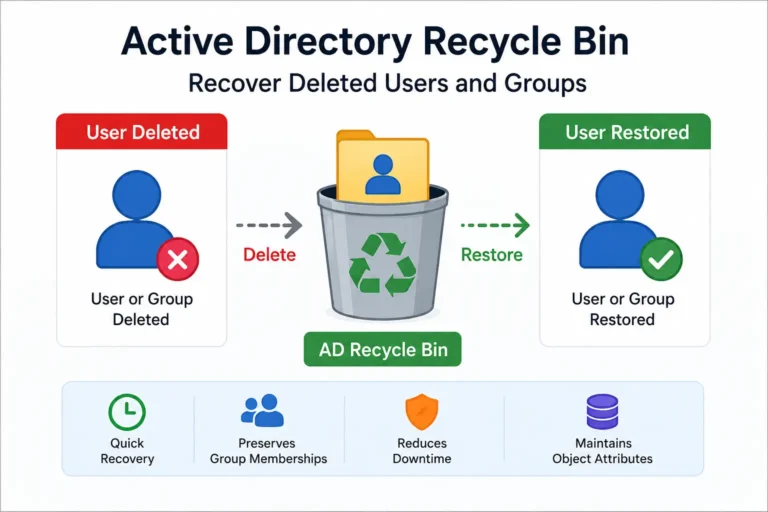
  • Active Directory Recycle Bin recovery of deleted users and groups
    Active Directory & Windows Server

    Active Directory Recycle Bin: Recover Deleted Users and Groups

    BySatya Pathak August 19, 2026October 20, 2026

    Short answer: Active Directory Recycle Bin allows administrators to recover deleted Active Directory users, groups, and other objects without having to rebuild them manually. When it is enabled before the deletion occurs, it can preserve important information about the deleted object and make recovery much easier. Accidentally deleting an Active Directory account is one of…

    Read More Active Directory Recycle Bin: Recover Deleted Users and GroupsContinue

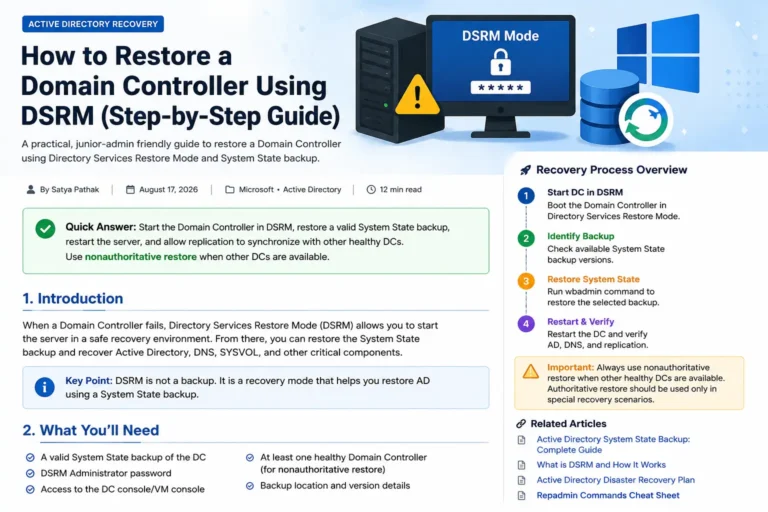
  • How to restore a Domain Controller using DSRM and System State backup
    Active Directory & Windows Server

    How to Restore a Domain Controller Using DSRM

    BySatya Pathak August 18, 2026October 17, 2026

    Short answer: Directory Services Restore Mode (DSRM) allows you to start a Windows Domain Controller without Active Directory Domain Services running. This gives you a recovery environment where you can restore the Domain Controller’s System State backup safely. Restoring a Domain Controller is one of those jobs that you hope you never have to perform….

    Read More How to Restore a Domain Controller Using DSRMContinue

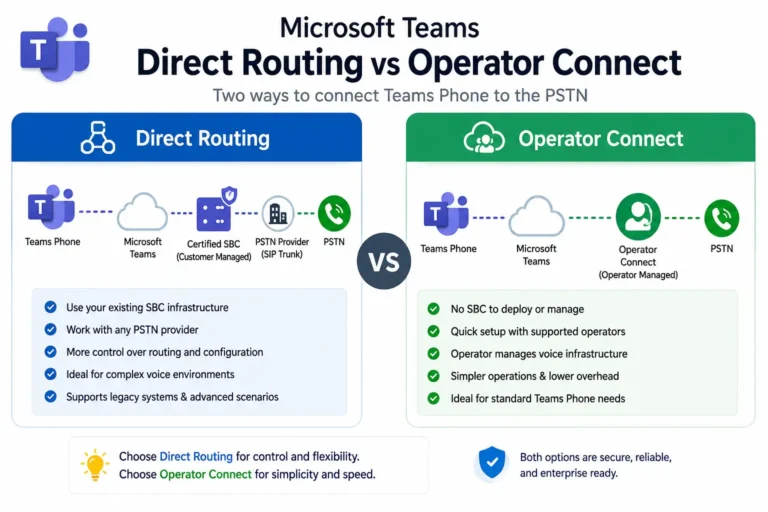
  • Microsoft Teams Direct Routing vs Operator Connect comparison
    Teams & Enterprise Voice

    Direct Routing Vs Operator Connect Teams — Complete Step-by-Step Guide (Tested for 2026)

    BySatya Pathak August 17, 2026October 20, 2026

    Why Direct Routing Vs Operator Connect Teams Early Saves Hours of Downtime When migrating enterprise telephony to Microsoft Teams, organizations face three distinct PSTN connectivity architectures: Direct Routing, Operator Connect, and Teams Phone Mobile (formerly Operator Connect Mobile). While Microsoft’s native Calling Plans exist, their rigid per-user pricing, limited international footprint, and lack of legacy…

    Read More Direct Routing Vs Operator Connect Teams — Complete Step-by-Step Guide (Tested for 2026)Continue

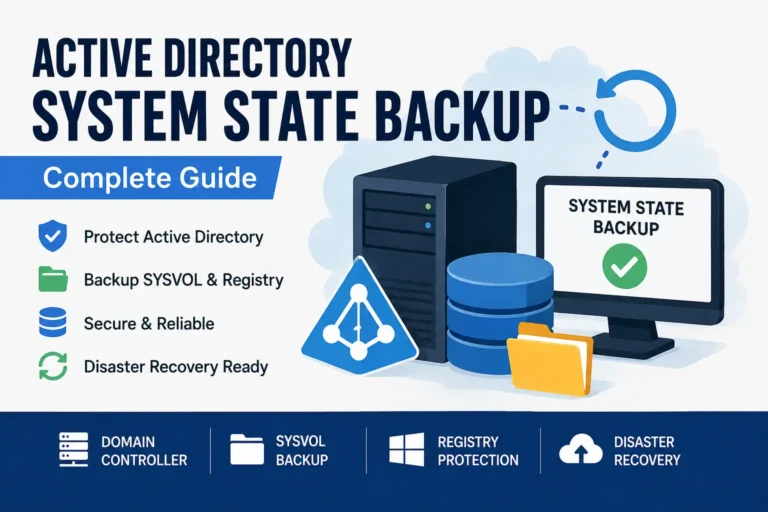
  • Active Directory System State Backup complete guide
    Active Directory & Windows Server

    Active Directory System State Backup: Complete Guide

    BySatya Pathak August 17, 2026October 17, 2026

    If you manage Active Directory, one of the most important things you can learn is how to create a reliable backup of a Domain Controller. A System State backup protects important Domain Controller components such as Active Directory, SYSVOL, the Windows Registry, and other system components required for recovery. This guide keeps things practical. You…

    Read More Active Directory System State Backup: Complete GuideContinue

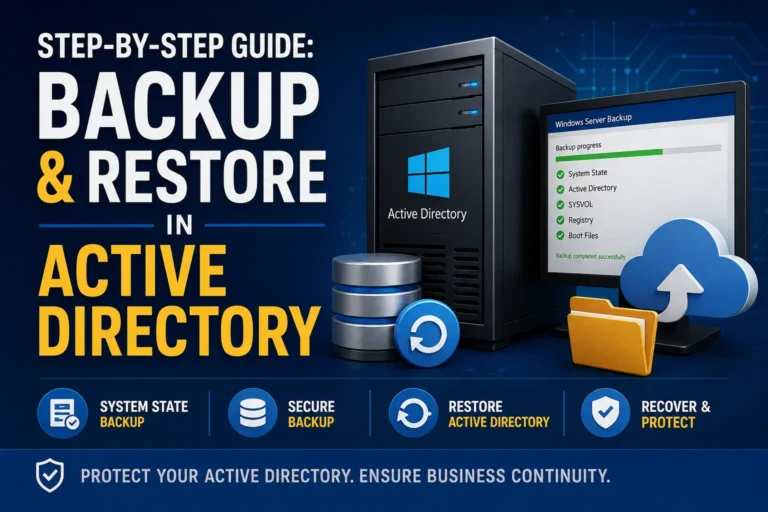
  • Step-by-step guide to backup and restore Active Directory
    Active Directory & Windows Server

    Step-by-Step Guide: Backup and Restore in Active Directory

    BySatya Pathak August 15, 2026October 17, 2026

      Active Directory is one of the most critical services in a Windows Serverenvironment. A reliable backup and recovery strategy can help you recoverfrom Domain Controller failures, accidental deletions, corruption, orother unexpected incidents. In this guide, you’ll learn how to back up and restore Active Directoryusing System State Backup andWindows Server Backup, including the difference…

    Read More Step-by-Step Guide: Backup and Restore in Active DirectoryContinue

  • Latest Tutorials

    How to Enroll an iPhone in MDM: A Simple Step-by-Step Guide

    BySatya Pathak August 15, 2026August 29, 2026

      📱 Need to Enroll Your iPhone? If your company has asked you to enroll your iPhone in its Mobile Device Management (MDM) system, don’t worry. The process is usually straightforward. In this guide, I’ll walk you through the process step by step, including what to do if something doesn’t work. If you’ve worked with…

    Read More How to Enroll an iPhone in MDM: A Simple Step-by-Step GuideContinue

Page navigation

Previous PagePrevious 1 … 4 5 6 7 Next PageNext
SkypeExchange4U — Microsoft 365 & Enterprise Voice Logo

What is SkypeExchange4U? SkypeExchange4U is an independent engineering resource by Satya Pathak providing practical, production-tested runbooks for Microsoft Teams Direct Routing, Session Border Controllers (SBCs), Entra ID identity sync, and hybrid voice architecture.

Explore

Microsoft 365
Cloud & Azure
Teams Voice
Active Directory
☁️ CloudTrim (M365 & Azure FinOps) ↗
⚡ Free Speed & SEO Audit

Facebook X Instagram

© 2026 SkypeExchange4U — SkypeExchange4U is an independent Microsoft 365 and enterprise-voice blog by Satya Pathak. Not affiliated with Microsoft, Skype, or SkyExchange.

  • About Us
  • Contact Us
  • Privacy Policy
  • Disclaimer
  • Terms and Conditions
Scroll to top
  • Teams Voice
  • Microsoft 365
  • Active Directory
  • Cloud
  • ⚡ FinOps Tool
  • About
  • Contact
  • Terms and Conditions
Search